
Free Image Editor Online
Compress, resize, crop, transform, filter and convert images in your browser — free, no signup.
Upload one PNG, JPG, WebP, GIF or BMP image and edit it in tabs: compress it to a smaller file, resize it to exact pixels, crop it, rotate, flip or skew it, adjust brightness, contrast and filters, enhance it, or add text and frames. Edits stack, and you download the result as PNG, JPG or WebP. A separate Image to SVG mode traces an image into a vector file. Every feature also has its own page, such as Crop Image or Photo Filters, for when you only need one tool.
Features
- Compress with a quality slider and choose PNG, JPG or WebP output
- Resize to exact pixel dimensions with an aspect-ratio lock
- Crop, rotate, flip and skew in the Crop and Transform tabs
- Filters with a strength slider, plus brightness, contrast, saturation, blur and sharpen in the Edit tab
- Enhance tab with an effect-strength slider, plus text overlays and frames in the Text & Frames tab
- Image to SVG mode that converts an image into a vector SVG
- Runs in your browser: your image is not uploaded, and no watermark is added
How to Edit Images Online for Free
- 1
Upload your image
Click the upload area or drag and drop your image file (PNG, JPG, WebP, GIF, BMP) onto the ToolzBank Image Editor page.
- 2
Choose your editing tool
Select a tab: Compress to reduce file size, Resize to change dimensions, Crop to trim the image, Transform to rotate or flip, Edit for filters and adjustments, Enhance to improve the photo, or Text & Frames to add text and borders.
- 3
Apply your changes
Adjust the settings using the controls provided, then click Apply to confirm your edits. You can switch between tabs and stack multiple edits.
- 4
Download your edited image
Click Download to save your edited image in your chosen format (PNG, JPG, or WebP) at your selected quality. No watermark is added.
Frequently asked questions
Is the ToolzBank image editor free to use?
Do I need to install anything to edit images?
Are my images uploaded to your servers?
What image formats does ToolzBank support?
How do I compress an image without losing quality?
Can I resize an image to specific dimensions?
Can I convert PNG to JPG or WebP online?
Can I add text to an image online?
More free image tools
Compress Image
Shrink JPG, PNG or WebP with a quality slider
Resize Image
Exact pixels or social media sizes
Crop Image
Free crop or 1:1, 4:3, 16:9 and 3:2
Rotate & Flip Image
Rotate, mirror or skew a photo
Photo Filters & Adjustments
Filters, brightness, contrast, blur and sharpen
Enhance Photo
Auto enhance, denoise and red-eye fix
Add Text & Frames to Image
Captions, text and photo frames
Image to SVG
Trace a logo or icon into a vector
Compress Image to KB
Hit an exact file size like 50 KB or 200 KB
Bulk Image Resizer
Resize & compress many images at once
Color Palette Extractor
Pull dominant colors from any image
Image Converter (WebP, AVIF)
Convert to WebP, AVIF, JPEG or PNG and shrink files
AI Background Remover
Transparent or white background with AI
Passport Photo Maker
2x2 in, 35x45 mm & print sheets
AI Image Upscaler
Enlarge images 2x or 4x with AI
Magic Eraser
Remove objects from photos with AI
Image to Base64
Data URI, CSS, HTML, JS, JSON or XML from any image
Free sample files to test with
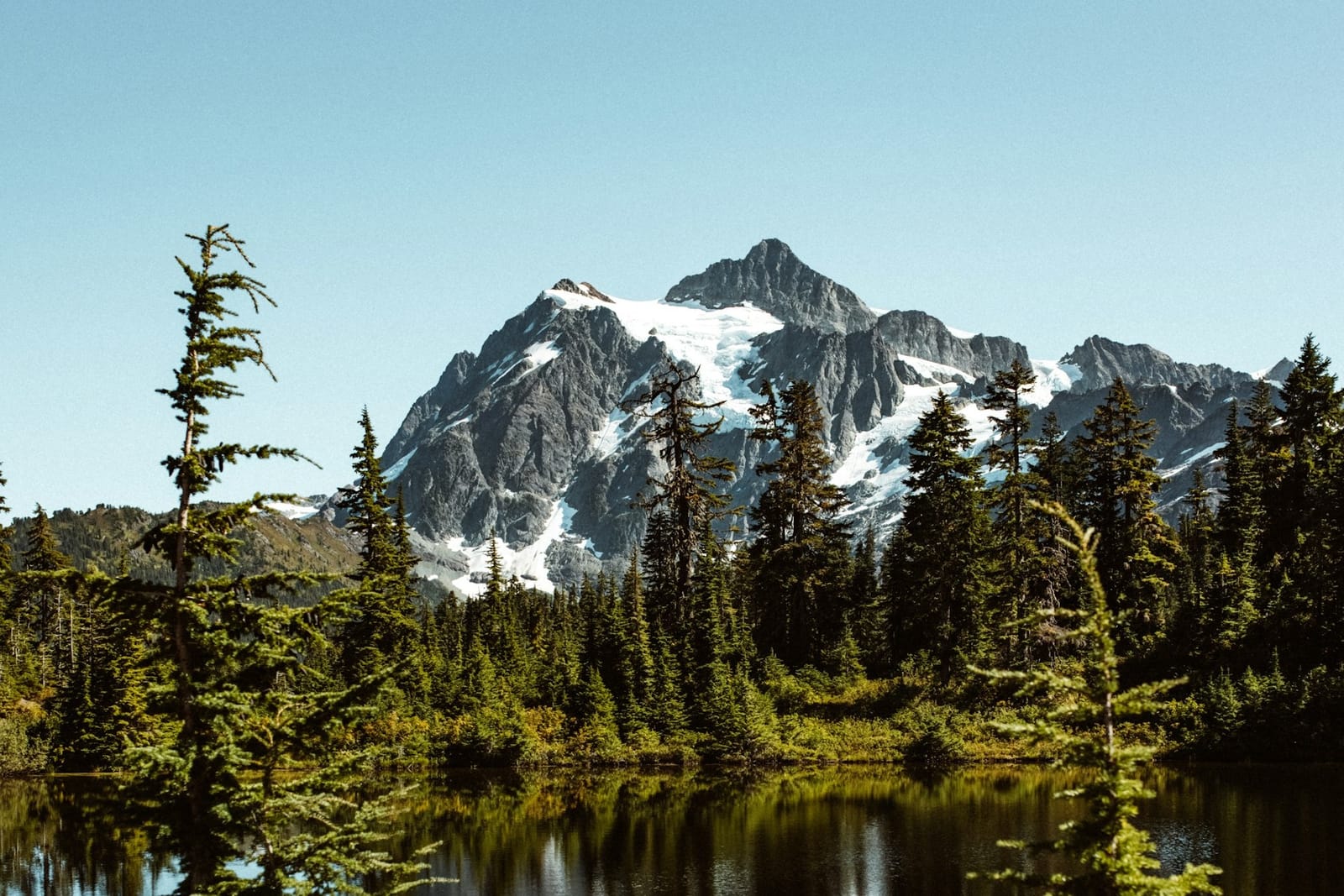
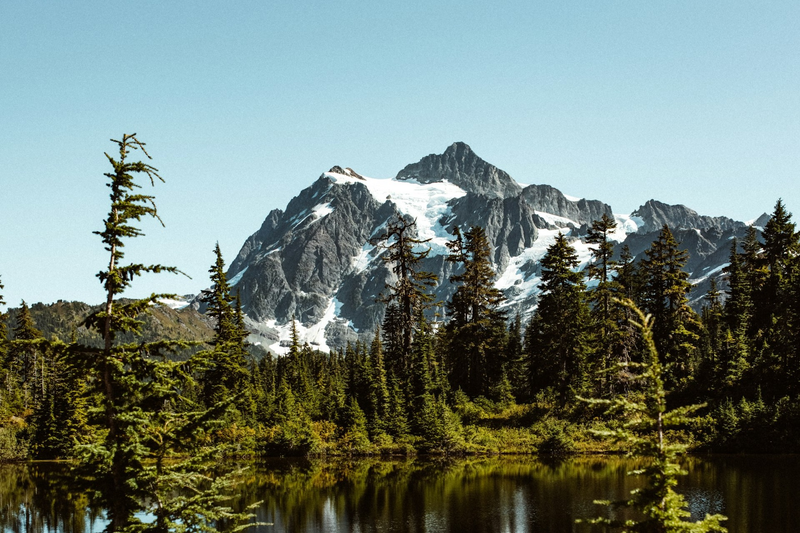
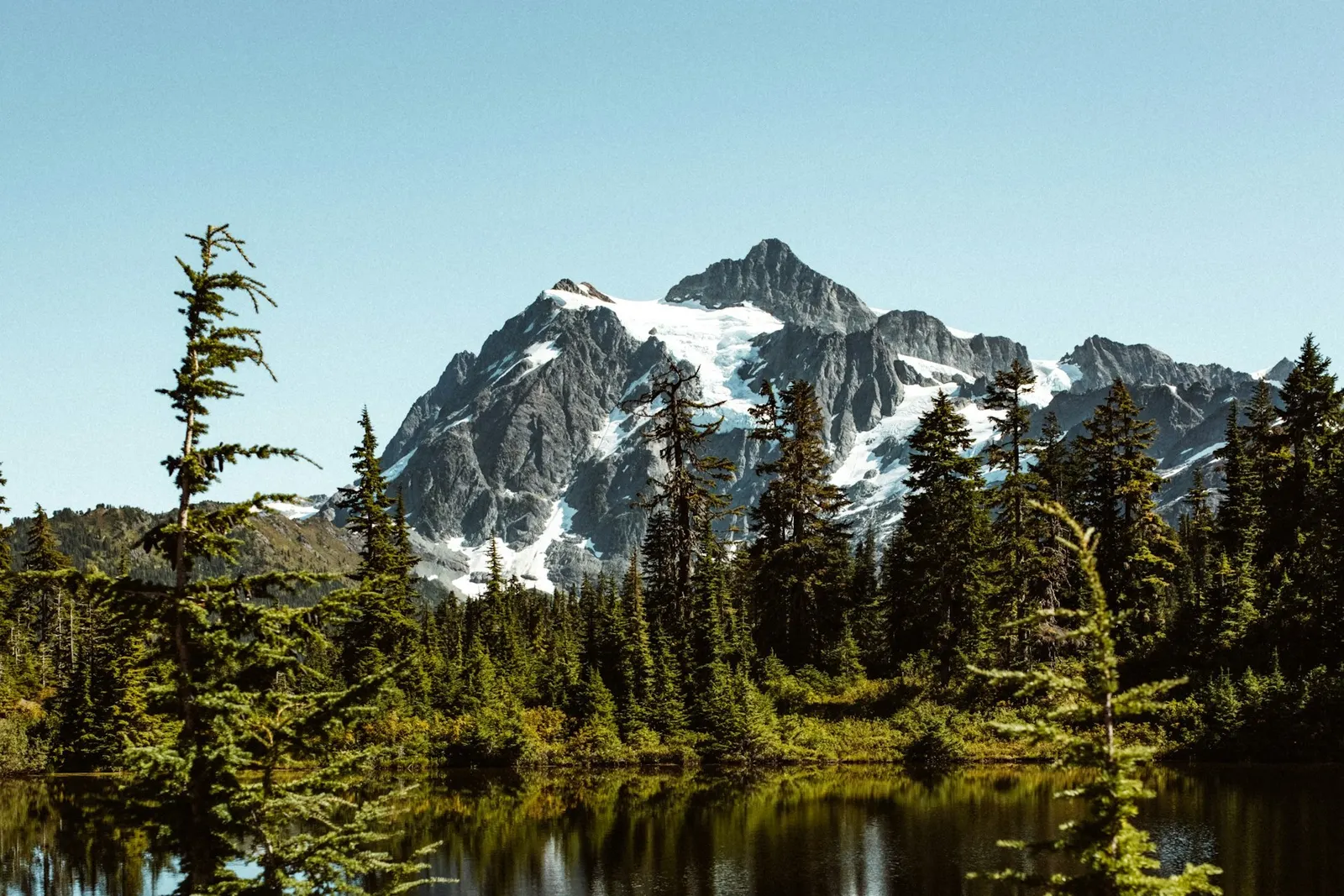
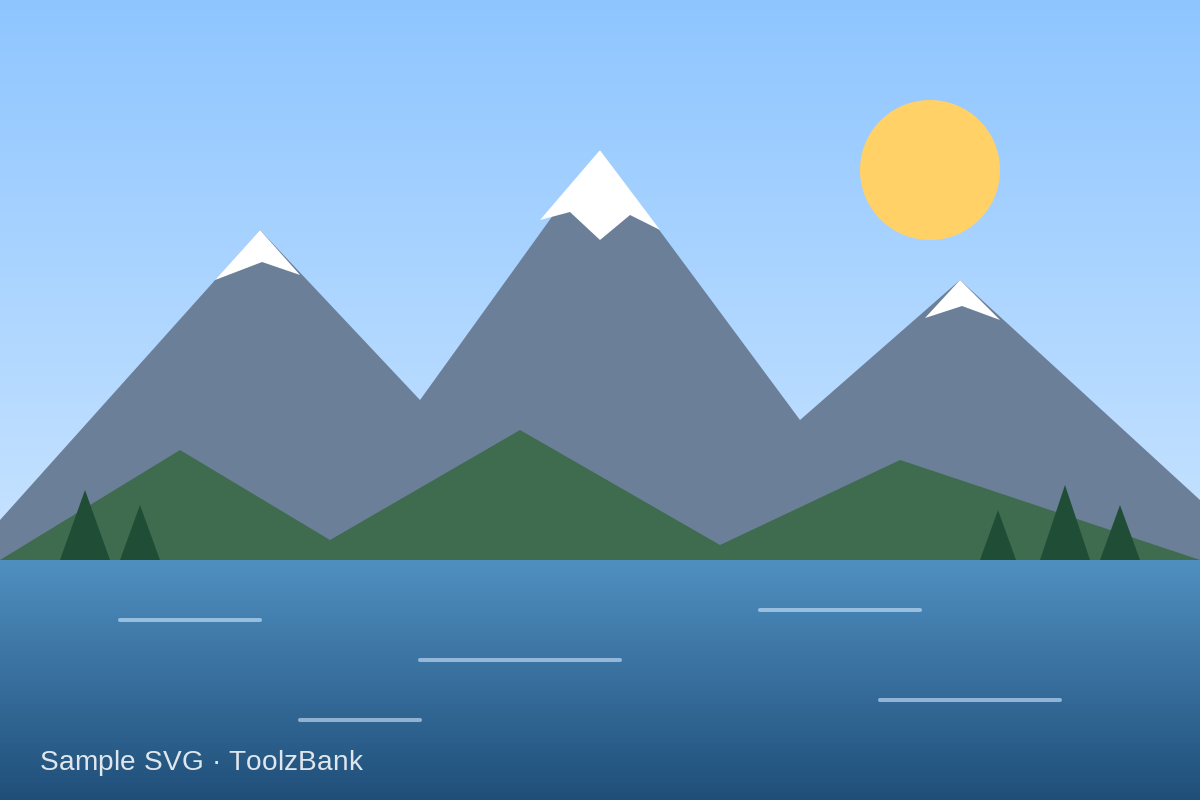
Need a test image or PDF? Download a sample mountain-lake landscape in JPG, PNG, WebP, SVG or PDF and try it in any of our tools.
- JPG: 1600 × 1067 px · 279 KB
- PNG: 800 × 533 px · 822 KB
- WebP: 1600 × 1067 px · 272 KB
- SVG: Vector, 1200 × 800 · 1.5 KB
- PDF: 1 page A4, text + photo · 186 KB
Photo by Nathan Dumlao on Unsplash — free to use, including commercially, under the Unsplash License. The SVG illustration is our own.
From Our Blog
Remove an Object from a Photo with a Free Magic Eraser
Paint over a stranger, a bin or a power line and let an AI model fill the gap. How the magic eraser works, step by step, and where it struggles.
How to Compress an Image to 20KB, 50KB or 100KB
Online forms often reject photos over 20 KB, 50 KB or 100 KB. Here is how to hit an exact file size while keeping the image as sharp as possible.
How to Edit Photos Professionally Without Photoshop
Photoshop costs a fortune and has a steep learning curve. Here is everything you can do with free online tools instead — and it covers most editing needs.
Image to Base64: When to Embed Images in HTML, CSS or Email
Convert an image to a Base64 data URI for HTML, CSS or JSON, and learn when embedding saves a request and when it just makes pages and emails heavier.
How to Convert HEIC Photos From iPhone to JPG
iPhones save photos in HEIC format by default, which many devices and websites cannot open. Converting to JPG solves this instantly.
How to Convert Images to WebP for Faster Websites
WebP is the modern image format that websites should be using. It is smaller and sharper than JPG and PNG. Here is how to convert and why it matters.